

 06/02/2025
 Daniil Franks
Mobile app development in Russia in 2025 is not only about creativity, code, and testing, but also about constant difficulties with technical matters, especially paying for foreign services. One such service is the Apple Developer Program, without which you cannot publish apps on the App Store.
Due to sanctions restrictions, bank card payments from Russia no longer go through. Neither Visa nor MasterCard issued by Russian banks are accepted by Apple. I faced this problem personally and spent quite a bit of time looking for a solution.
The good news is — there is a solution! In 2025, I managed to pay for the annual Apple Developer subscription through my MTS mobile account balance. Below I explain in detail how I did it, to save you time and frustration.
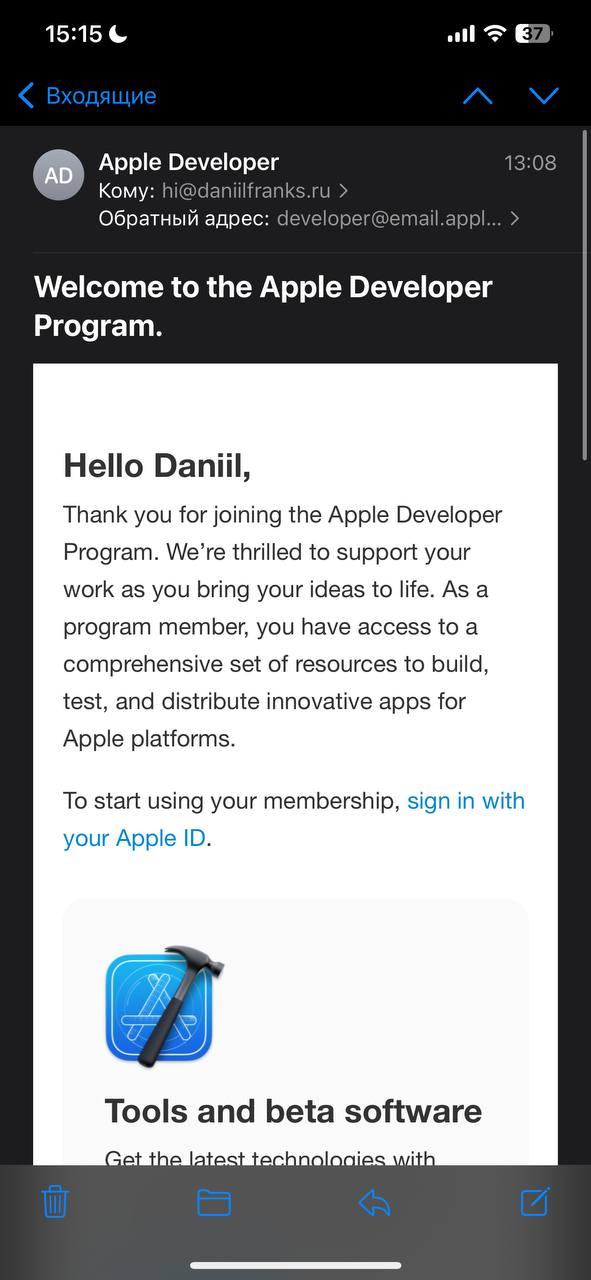
After 2022, Apple stopped accepting Russian bank cards. Payment gateways through Russian banks are blocked, and PayPal and similar services also do not work. This makes subscribing to the Apple Developer Program virtually impossible through conventional methods.
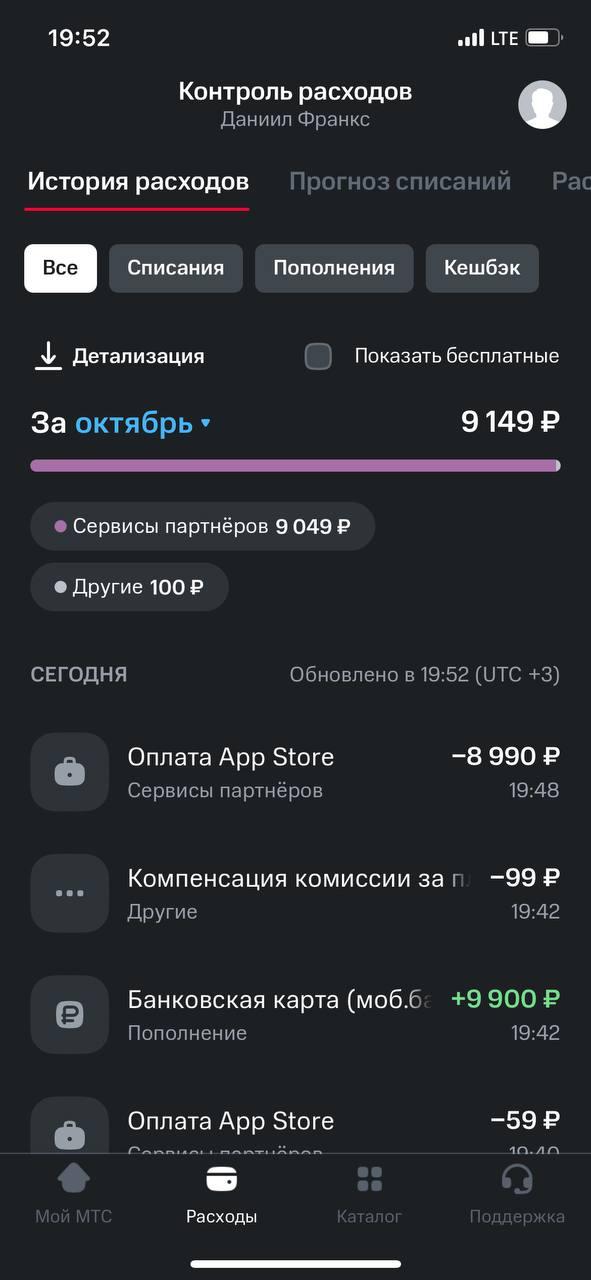
Nevertheless, since 2023, the Apple Developer mobile app introduced a payment method through mobile account balance. And in 2025, it continues to work, but only with certain carriers — and, as it turned out, MTS is on that list.
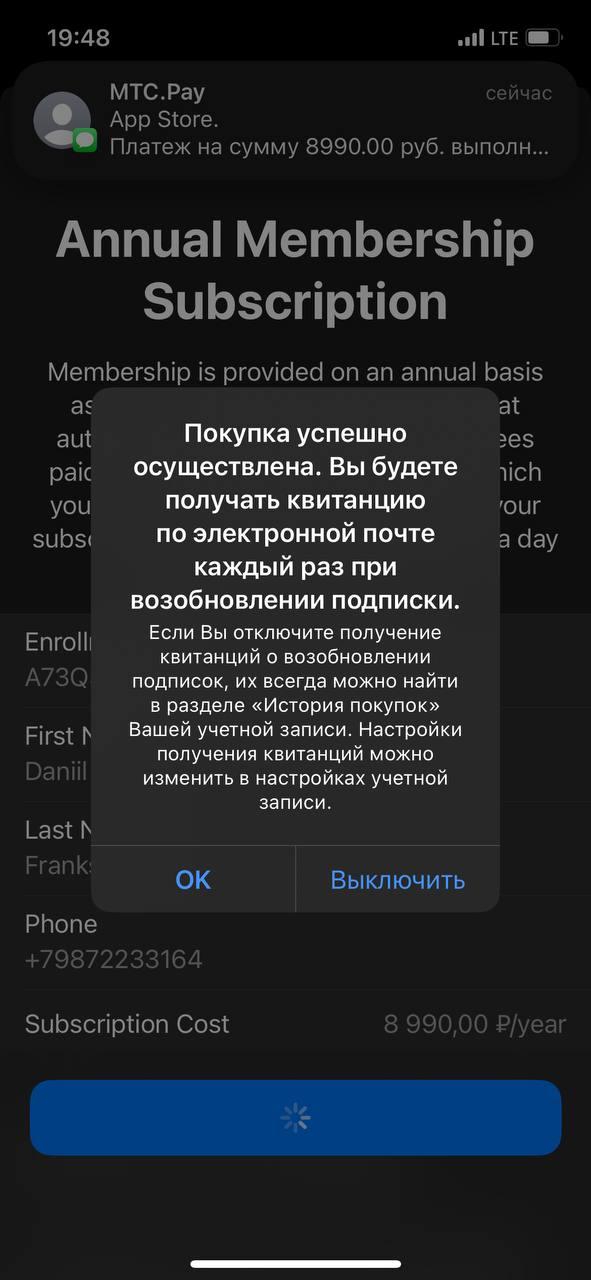
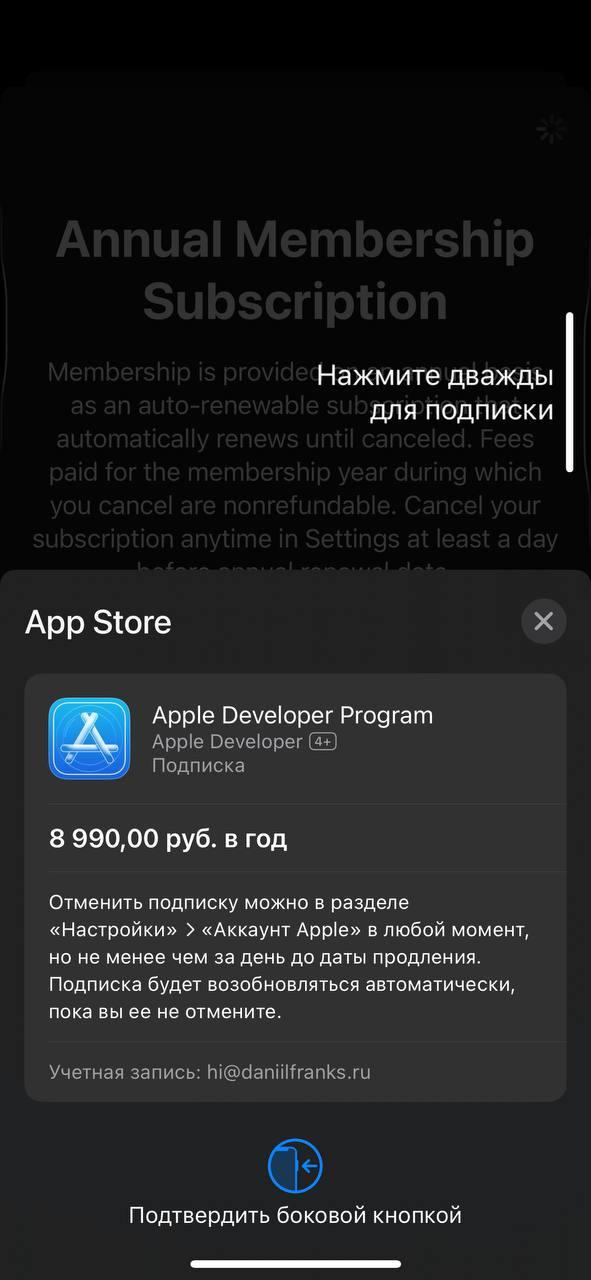
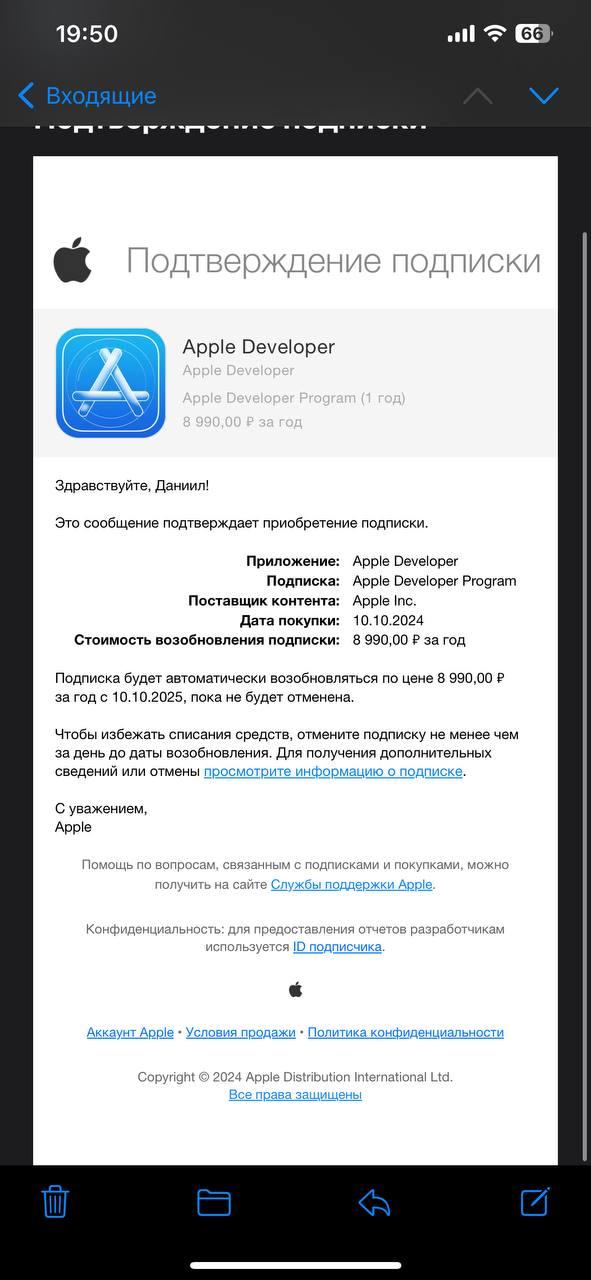
I renewed my subscription in just 10 minutes. Here is a detailed step-by-step guide:
1. Get an Apple device: an iPhone or iPad with the Apple Developer app installed. Payment via the website does not support mobile account billing.
2. Top up your MTS balance: The annual subscription costs $99. In rubles, that is slightly over 9,000 rubles (depending on the exchange rate). I topped up my balance to 10,000 rubles — with a margin.
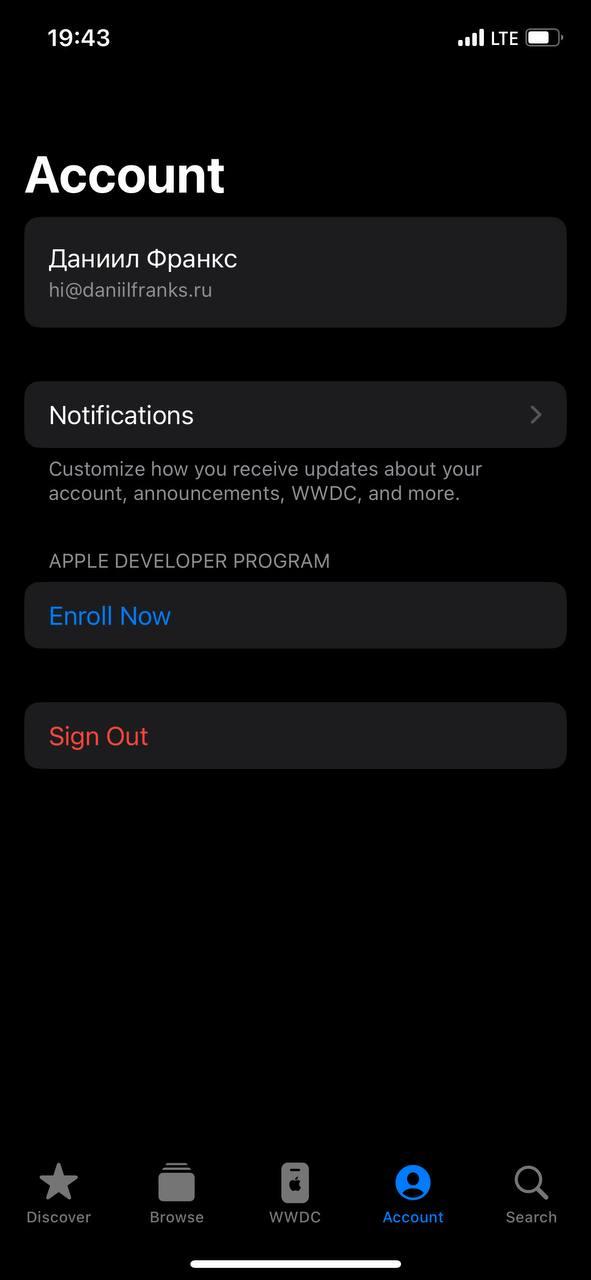
3. Open the Apple Developer app: Log in with the Apple ID linked to your Developer account. Go to the Membership section.
4. Click "Renew subscription": A choice of payment methods appears. If you have an MTS number, mobile account payment will be automatically offered.
5. Confirm the payment: The money is deducted within a few minutes. After that, the subscription status changes to "Active." That's it — you're an Apple developer for another year!
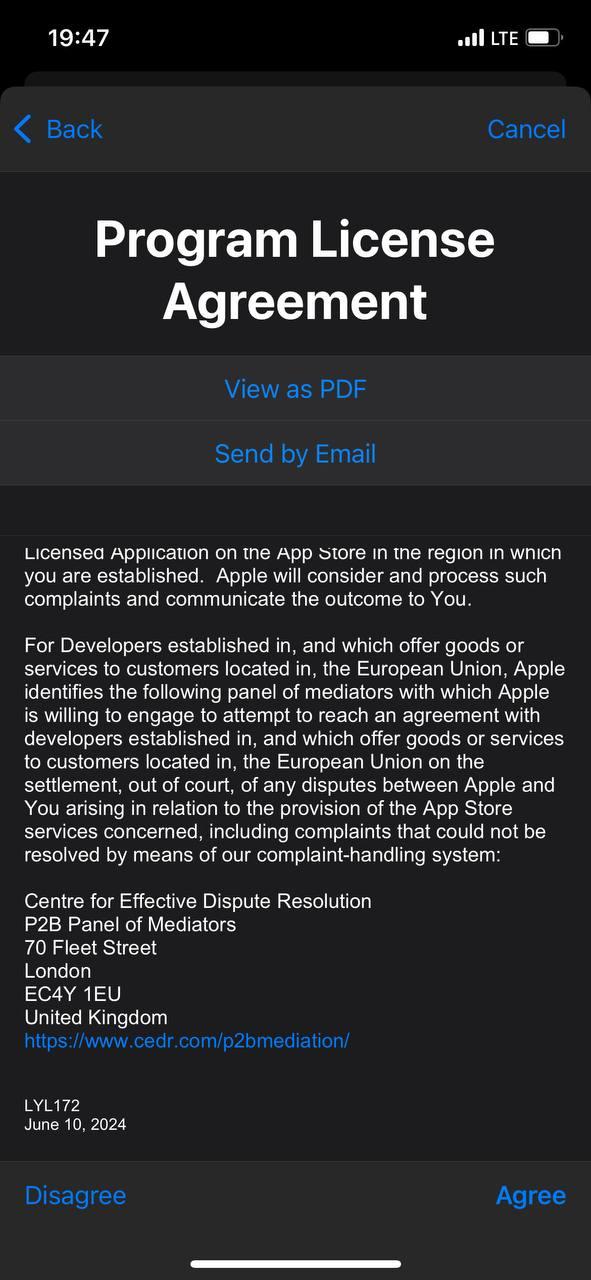
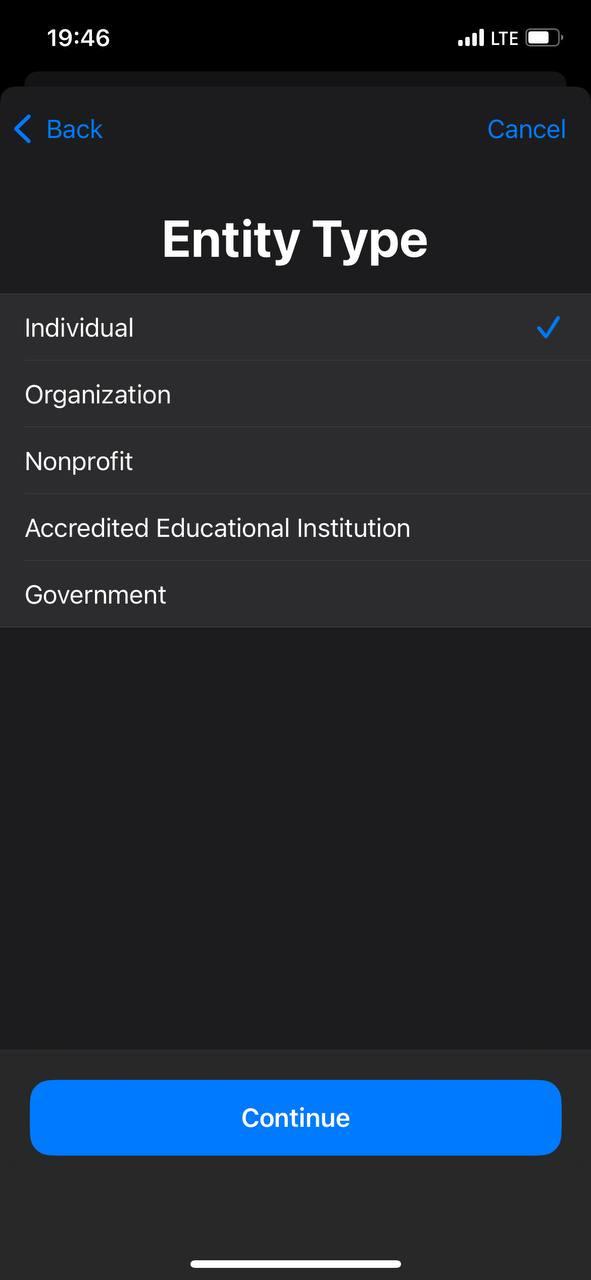
Unfortunately, this method only works for MTS subscribers. If you have a different carrier (Beeline, Tele2, MegaFon), the method won't work — the mobile account payment option will not appear in the list of available payment methods.
What you can do:
— Switch to MTS while keeping your phone number
— Buy an MTS SIM card specifically for this transaction
— Ask friends with an MTS number to pay the subscription through their device (don't forget to log in with your Apple ID!)
The key is that the device must be linked to an MTS number, otherwise the payment option simply won't appear.
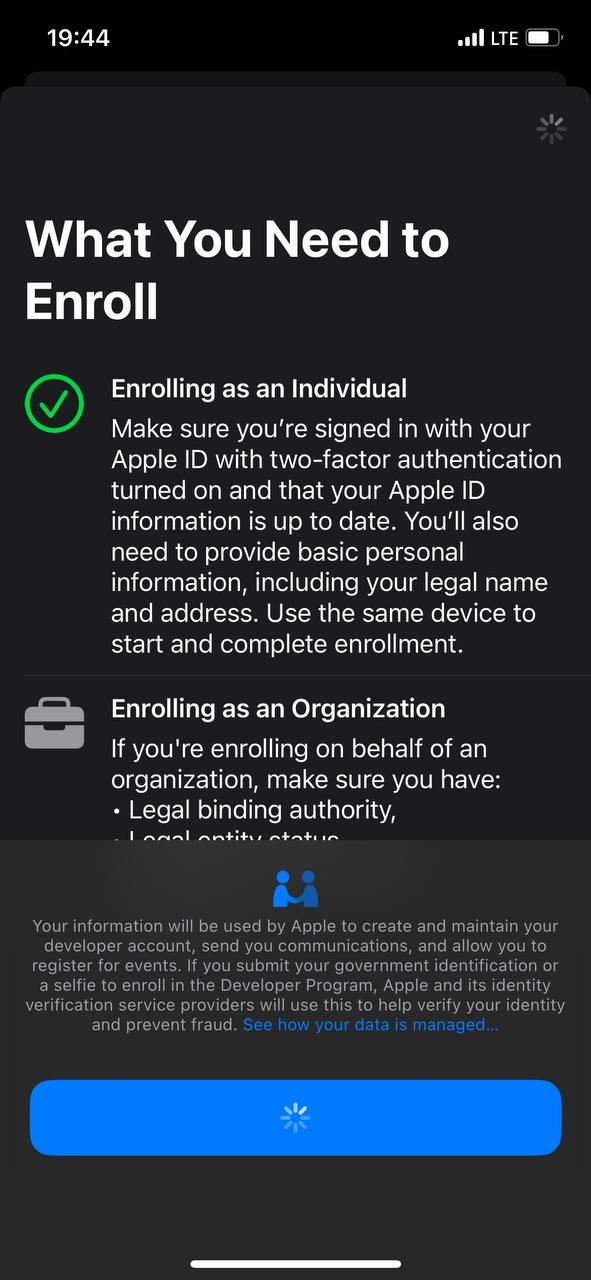
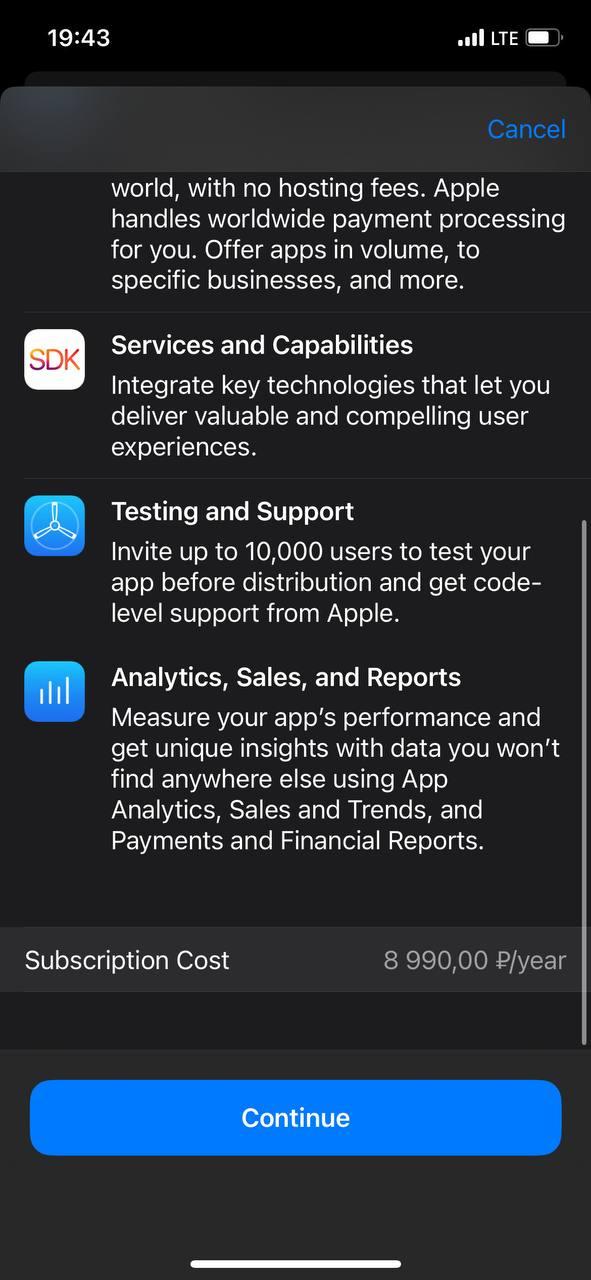
In 2025, paying for the Apple Developer Program from Russia is still possible, albeit through a non-standard method. MTS remains the only carrier through which such a transaction can be made directly.
For developers publishing apps on the App Store, this is critically important information. Paying via mobile account balance is a real and working way to maintain access to an Apple Developer account and continue working without restrictions.
Tip: keep your mobile account balance topped up with extra funds, especially before paying for the subscription, as the exchange rate may change, and Apple may charge a slightly higher amount than expected.

OGRNIP 323169000103441


* Meta Platforms, Inc., which owns Facebook and Instagram, is banned in Russia.


 Daily 11:00 AM — 7:00 PM